Your solar app says zero generation. Is the system broken?
A zero reading can mean darkness, lost monitoring, a misread export value or a real fault. Check the evidence safely before calling your installer.
SolarAnswers editors, updated , 5 min read
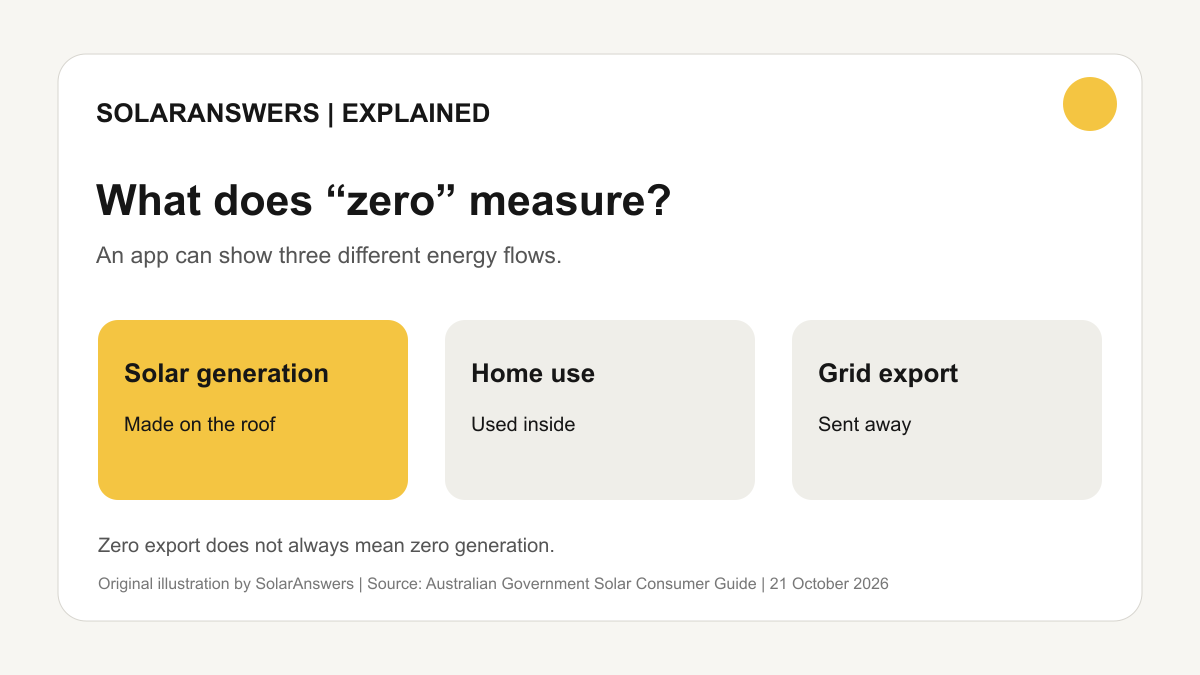
Original SolarAnswers illustration. Solar generation, home use and grid exports are separate measurements. Source: Australian Government Solar Consumer Guide.
You open the solar app at lunchtime and it shows zero. The first reaction is understandable: have the panels stopped working? Maybe. But the same number can also appear when the app has lost internet access, when you are looking at exports instead of generation, or when a graph has not refreshed. The task is to work out which measurement is zero, when it became zero and whether there is a safety warning.
The Australian Government's solar monitoring guide explains that an inverter display, a manufacturer's app, an optional monitoring device and smart-meter data can show different parts of the picture. A basic inverter may display current power and today's generation. An app may retain days of history. A separate device or smart-meter connection may show imports, exports and total household consumption. Reading one as if it were another can turn a normal day into an apparent fault.
Start with the time and the label
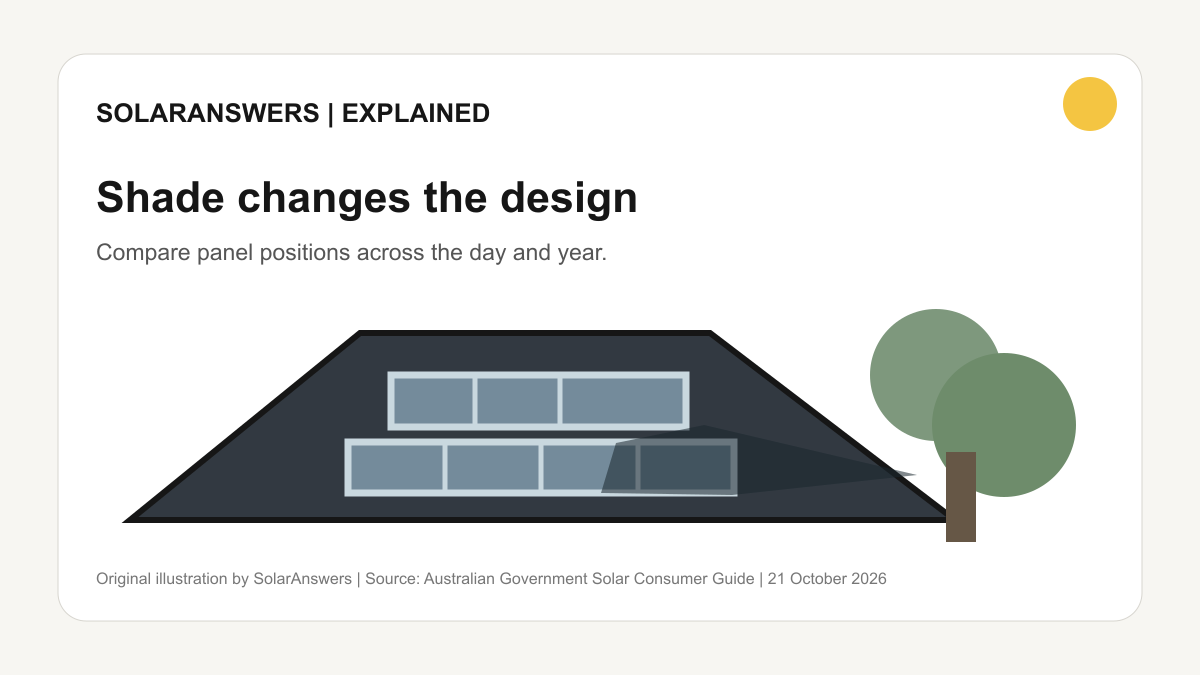
Solar output will be zero at night. A heavily overcast day can also produce far less than a clear one, and seasonal output changes with daylight and the sun's position. The government's maintenance advice says lower-than-usual generation on sunny days is a more useful sign of a possible problem than a single low reading without context. Compare the same part of the day with a similar recent day, not a winter afternoon with a summer peak.
Next, read the axis or label. “Solar generation” is electricity made by the panels. “Home consumption” is electricity used on the premises. “Grid export” is the portion sent away after household use and battery charging. Export can legitimately be zero while panels are making electricity for the house, and import can be zero while the house is using its own generation. Some apps combine live power in kilowatts with cumulative energy in kilowatt-hours. A flat live-power line and a low daily-energy total are related, but they are not interchangeable readings.
The Solar Consumer Guide's explanation of solar panels distinguishes power, the instantaneous rate, from energy accumulated over time. Before contacting anyone, note which screen is affected, the units, and whether it is a live value or a day-total chart. Screenshots with the date and time can save several rounds of support emails.
Check whether the data is live
The monitoring guide says apps may receive data directly from an inverter, a separate device or a smart meter, and inverter or monitoring connections may use Wi-Fi, wired internet or mobile data. That means a disconnected router can make a healthy installation look absent in the app. Check the app's last-updated timestamp, internet status and any “offline” banner. If the graph stopped updating at the exact time broadband or power equipment was changed, a communications problem is plausible.
Do not assume that reconnecting Wi-Fi is the whole answer. Look at the inverter's normal user-facing display, if accessible without opening electrical covers or touching wiring. The government monitoring guide says it commonly shows operating status, current generation, today's energy and fault codes. If the inverter shows normal generation at midday but the phone app remains blank, tell the installer both observations. If the inverter itself shows a fault code or no output on a clear day, report the code exactly as displayed.
Some systems include a home battery or virtual power plant, making the app busier. A full battery, a reserve setting or a charging schedule can change what is exported, while the PV array still generates. A network export limit can also constrain exports. The point is not to diagnose all of these yourself; it is to ask the installer which screen reflects panel production and which reflects energy flows elsewhere. If your app only shows the inverter's total generation, ask whether a separate meter is needed to see household self-consumption.
Look for a pattern, then call the right party
One low day after rain or cloud is different from a sudden permanent drop on clear days. The government's look-after-your-system advice lists inverter faults, wiring or isolator problems, panel damage, installation issues and battery faults among possible causes of poor performance. Dirt and shade can reduce output too. Save several days of daily generation, the weather conditions, any error code and your recent electricity bill. Do not compare your roof with a neighbour's solely by panel count; location, roof angle, shade and equipment differ.
Contact the company that sold you the system or your installer, describe the evidence and ask for a response in writing. The government's installation guidance says the seller is the first contact if a newly installed system produces no electricity or less than expected. Ask whether the issue is monitoring, connection, commissioning or hardware, and whether warranty cover applies. Our installation handover checklist shows the documents and access details worth keeping before a fault arises.
Avoid going onto the roof, opening an inverter, operating an unfamiliar isolator or attempting a repair. The government's maintenance page warns that a solar system can remain energised even with mains power switched off and says repairs belong with an accredited installer or electrician. If you notice smoke, burning smells, arcing, damage or an urgent electrical hazard, keep clear and use the appropriate emergency or electrical-safety contact. A missing app graph is an information problem; visible electrical damage is a safety problem.
If the seller cannot be reached, the government suggests contacting the manufacturer. If the issue remains unresolved, its dispute-resolution guide explains the different complaint pathways for sellers, installers, electricity retailers and network or metering issues. Keep the quote, warranty, commissioning documents, screenshots and correspondence together. This is particularly useful when a fault has persisted through several support calls.
The test is simple in principle: identify the measurement, check whether the data is current, compare conditions fairly and record any equipment status. You do not need to prove the precise electrical failure. A clear description of what changed and when gives a qualified professional a better starting point, while keeping you away from equipment that is not safe to investigate yourself.
Sources
- Australian Government Solar Consumer Guide, monitor your solar system
Checked 21 October 2026
- Australian Government Solar Consumer Guide, look after your solar system
Checked 21 October 2026
- Australian Government Solar Consumer Guide, solar panels
Checked 21 October 2026
- Australian Government Solar Consumer Guide, installation day and after
Checked 21 October 2026
- Australian Government Solar Consumer Guide, dispute resolution
Checked 21 October 2026
Questions people also ask
Does zero export mean my solar panels are broken?
No. Your home may be using the solar power as it is generated. Check the solar generation reading separately from grid export.
What if my solar app is blank but the inverter is generating?
Check the app's last-updated time and internet connection, then tell your installer what both the app and inverter display show.
Should I reset or repair my inverter myself?
Do not open electrical covers or attempt repairs. Record any displayed fault code and contact the seller or a qualified installer or electrician.